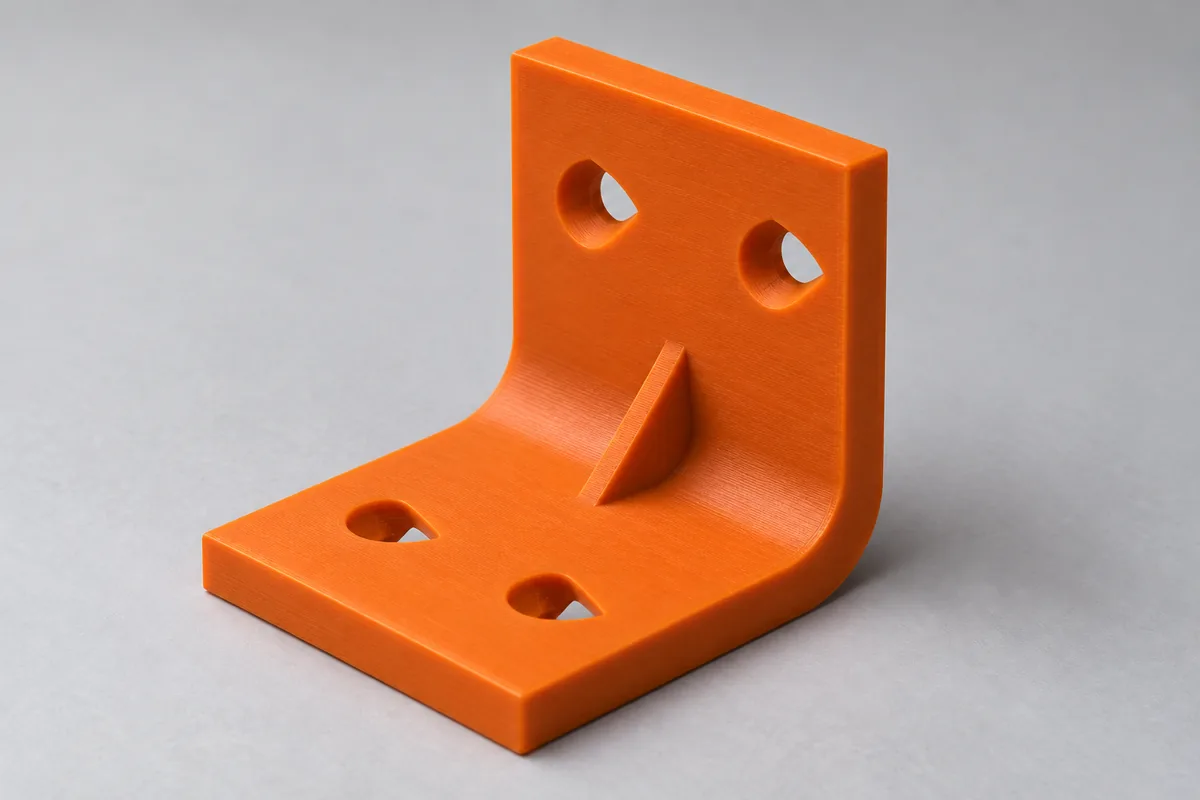
How it looks in use
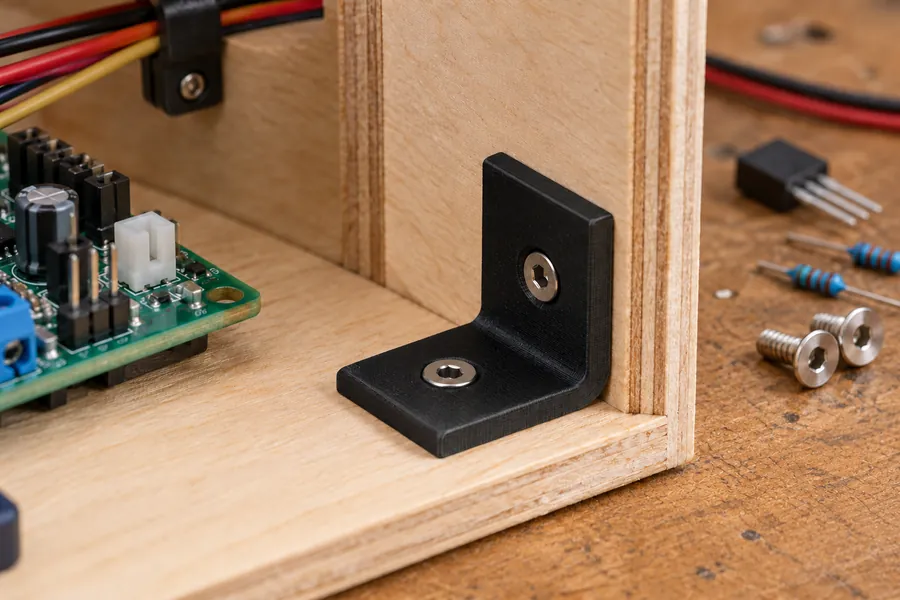
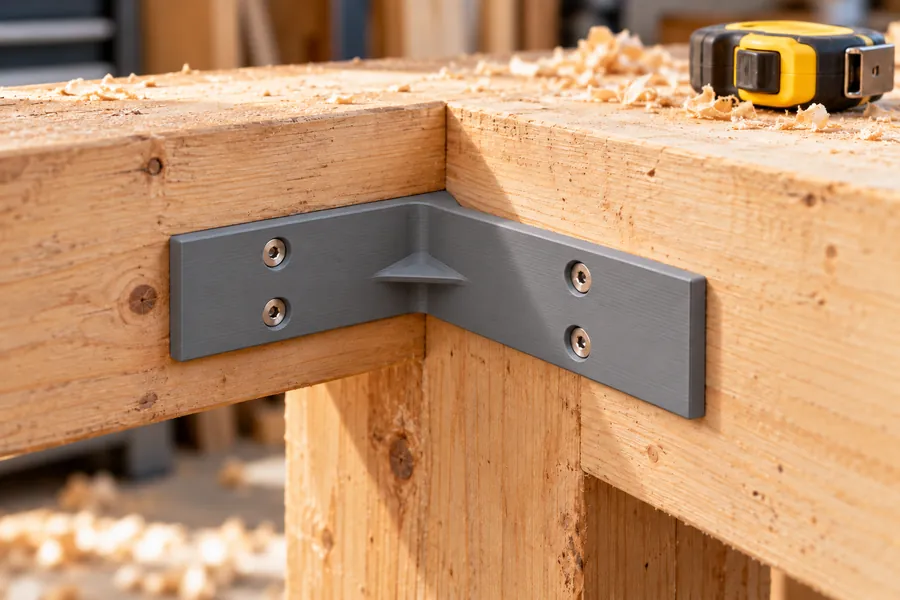
AI-generated example images in a small and a large size, not photos of prints.
How the configurator works
An angle bracket is an L-shaped part that joins two surfaces at an angle, for example a shelf and a wall. Start by entering the length of both legs, the width, the thickness and the angle. Leg lengths are outside dimensions, measured from the outer corner to the end of the leg.
In Simple mode you then only choose the screw, its size, the number of holes per leg and the material. You pick the screw by its look and purpose; the standard is shown in small print below. The configurator sets the fillets, the hole positions, the matching countersink and a reinforcing rib for you. Pro mode lets you set everything yourself, including the screw standard per leg, slots, hole grids and ribs. Your entries are kept when you switch between the two modes.
Every change is checked immediately. If a hole is too close to the edge, the rib or the bend, you get a message and the spot is marked red in the preview. You can download the STL file as soon as everything fits.
How the bracket is printed
The STL file is already oriented for printing: on its side, with the end face on the print bed. The view below shows your current bracket in this position; the highlighted face rests on the bed.
In this position every layer runs all the way around the corner, so the bracket cannot split along a layer line in the corner, which is a typical weak point of brackets printed upright.
To avoid support material, horizontal holes get a small 45° roof on top (a teardrop shape) and each rib gets a 45° chamfer underneath. Common FDM printers can usually print surfaces up to 45° without supports. Below the download button the configurator tells you whether your bracket needs supports and where.
Matching screws and holes
What the hole in the bracket looks like depends on the screw. Countersunk screws have a 90° conical head. For them the configurator forms a conical countersink so that the head sits flush with the surface. Socket head and button head screws get a cylindrical counterbore that takes the whole head. If you choose "Through hole", the head sits on top of the bracket. A slot leaves room for adjustment.
The head dimensions come from the standards: countersunk hex socket screws to ISO 10642 (formerly DIN 7991), countersunk Phillips screws to ISO 7046-1 (DIN 965), raised countersunk screws to ISO 7047 (DIN 966), socket head cap screws to ISO 4762 (DIN 912) and low head cap screws to DIN 7984, and button head screws to ISO 7380-1. There is no standard for the heads of wood and chipboard screws; here the configurator uses a 90° countersunk head twice as wide as the screw, as manufacturers state.
Clearance holes for metric screws follow ISO 273, medium series. For M3 to M8 that is 3.4 mm, 4.5 mm, 5.5 mm, 6.6 mm and 9 mm. For wood screws the hole is 0.5 mm larger than the screw, so the thread does not bite into the plastic. So that the screw head fits into the printed part, the configurator adds 0.4 mm to the head diameter for countersinks and 1.0 mm for counterbores. At least 1.2 mm of material remains between two holes, to the edge and under a countersink.
How much load the bracket can take
The load shown is a rough estimate, not a guarantee. It assumes a load pressing at right angles on the end of leg B, at the outermost hole, while leg A is screwed to the wall. In Pro mode you can swap the legs.
The configurator calculates the bending stress in the cross-section just behind the inner fillet, which is where a bracket is most likely to break. A rib enlarges this cross-section and is included in the calculation, holes reduce it. Strength values come from the Prusament technical datasheets: the flexural strength is 83 MPa for PLA, 66 MPa for PETG, 64 MPa for ASA, 41 MPa for PA11 and 88 MPa for PC Blend.
Printed parts are much weaker across the layers than along them. According to the datasheets, PLA reaches only a third of its strength across the layers, PA11 reaches 84 %. The configurator takes this into account for the chosen print orientation. A sharp inner corner acts as a notch and lowers the value by a third. Finally, everything is divided by a safety factor of 3.
A printed bracket is not solid inside. The walls form the outside, faces that lie flat in the printer get solid bottom and top layers, and the infill fills the space in between. In bending, the outer layers carry most of the load. The configurator therefore works out what share of the strength of a solid cross-section this structure reaches, with the infill counting only by its percentage. It assumes 3 walls of 0.45 mm each, 0.8 mm of solid bottom and top layers and 20 % infill. In Pro mode you can match walls and infill to your slicer settings. Because print quality and layer adhesion vary, the configurator uses 80 to 100 % of this value, which gives the range shown.
The estimate applies to a short-term load at room temperature. The screws, wall plugs and the wall itself are not included. Nor does it include the fact that plastic gives way over time under a constant load and gets softer when warm. Below the load you can therefore see up to which temperature the chosen material keeps its shape according to the datasheet. Do not use the bracket for overhead loads or for safety-related purposes.
How the assembly check works
With acute angles, holes close to the corner or long screws, the other leg can get in the way. The configurator therefore checks two things for every hole: can the screw be pushed straight into the hole, and can a tool in line with the screw reach the screw head? "Show assembly" plays both as a short animation in the preview. If something hits, the part turns red and the text below tells you how many millimetres before the end position it gets stuck.
The configurator sets the screw length to the thickness plus five times the screw diameter, rounded up to a common length; for M4 and 4 mm thickness that is 25 mm. In Pro mode you can enter the length yourself.
"Tight" means less than 2 mm of clearance. A screw head on the outside is always accessible.
Frequently asked questions
Which screw should I use?
For wood, chipboard and wall plugs, use a countersunk wood or chipboard screw. If you fix the bracket to metal with a thread or a nut, a countersunk hex socket (Allen) or Phillips screw is a good choice. Socket head cap screws have a tall head; to recess it, the bracket has to be thicker, at least 5.2 mm for M4.
Which material should I use for the bracket?
PLA is fine for brackets indoors. It is the easiest to print, but according to Prusa it starts to lose strength at about 55 °C, for example behind a window in the sun. PETG is tougher and withstands about 68 °C. For outdoor use, ASA is a good choice because it is UV-resistant and keeps its shape up to about 93 °C. PC Blend is the strongest and withstands about 113 °C, but it needs a printer with a hot nozzle and bed. For brackets that carry a load all the time, we do not recommend PLA, because it slowly gives way under a constant load.
Do I need support material?
No, not in the recommended print orientation. The configurator shapes holes and ribs so that no overhang is steeper than 45°. If you choose a different orientation in Pro mode or switch off the teardrop shape, it shows you which areas would then need supports.
Why does the printed bracket weigh less than shown?
Because the weight shown is for a completely solid bracket. It is calculated with the density from the datasheet, 1.24 g/cm³ for PLA. With walls and an infill of, say, 20 %, your print will be lighter.
Which print settings should I use?
In Simple mode the load estimate uses 3 walls and 20 % infill. In Pro mode you can enter what you use in your slicer under "Material and printing". In bending, the walls carry most of the load. On thin brackets more walls therefore help more than more infill; with a thickness of 4 mm, 5 walls already make the legs solid throughout.
Can I save or share my bracket?
Yes. All settings are stored in the page address. Use the "Copy link" button and save the link as a bookmark or send it on. Anyone who opens the link sees exactly your bracket.
The configurator runs entirely in your browser. Your dimensions are not transmitted. When you download a file or copy the link, the page counts anonymously which configurator, mode, material and screw type were used.