How it looks in use
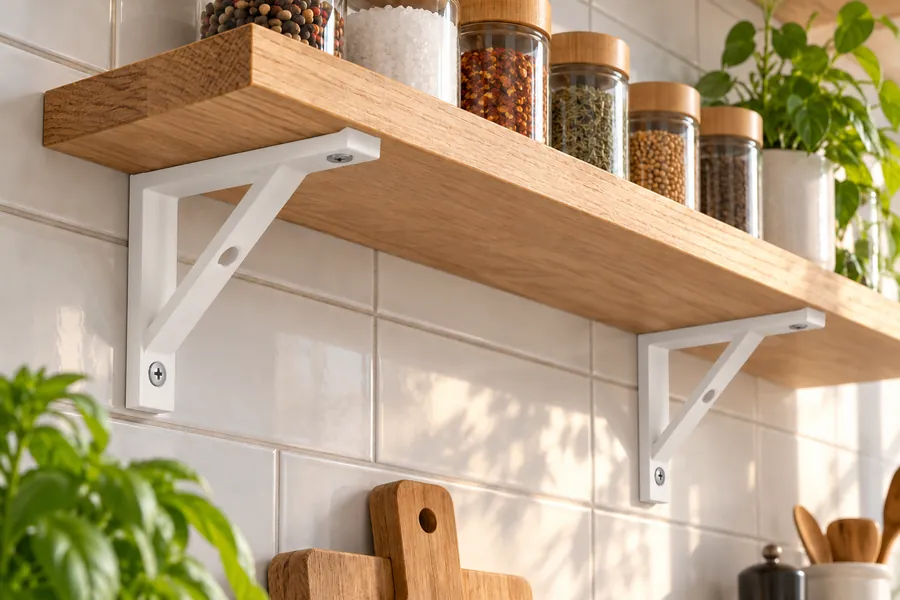
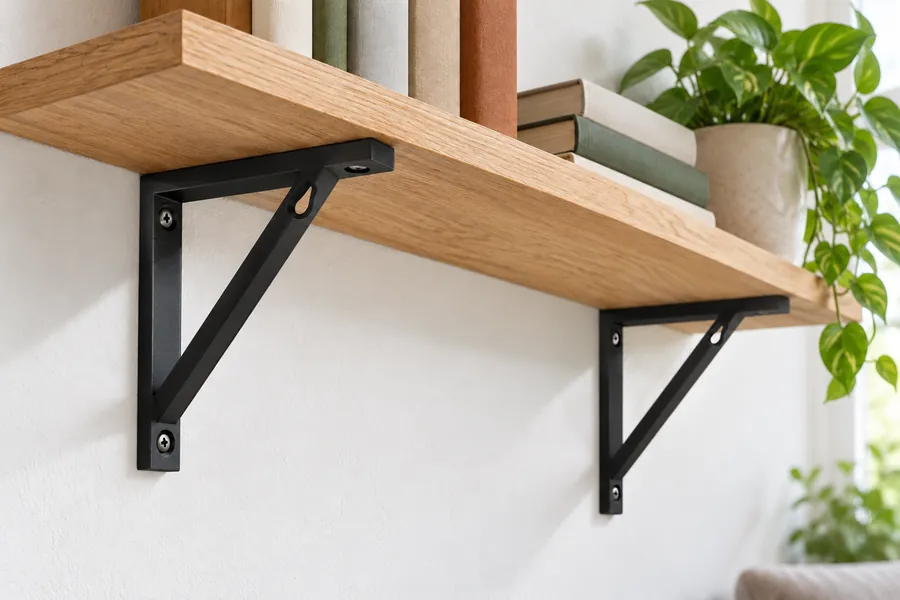
AI-generated example images in a small and a large size, not photos of prints.
How the generator works
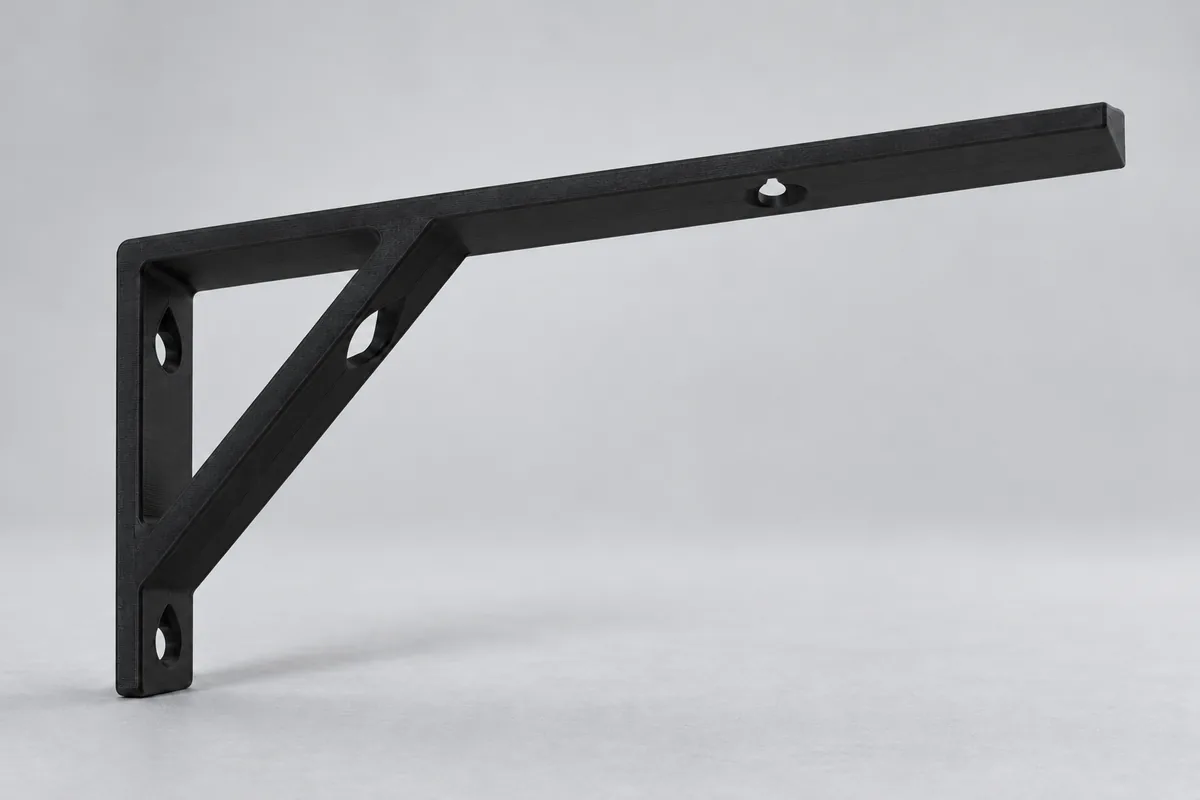
A shelf bracket has one leg on the wall, a horizontal leg under the shelf and a diagonal brace between them. First enter the depth, which is how deep your shelf is, and the width of the bracket. Then choose the screw for the wall. If you like, the bracket gets a hole at the top so you can screw the shelf on from below.
In "Simple" mode the generator chooses the thickness, the brace and its position itself. In "Pro" mode you set the thickness of bracket and brace, where the brace meets the shelf leg and at which angle it runs, as well as the screw for the shelf. Your input is kept when you switch modes.
Screws, access hole and shelf fixing
The bracket is fixed to the wall with two screws. The upper one sits in the triangle between wall, shelf and brace. It carries the most, because the shelf pulls the top of the bracket away from the wall. So that you can reach it, the brace has an access hole at the same height. You push the screw through this hole and guide the screwdriver blade through it. The lower screw sits below the brace.
In "Simple" mode the generator places the brace so that a small screwdriver reaches the upper screw. If that is not possible, it chooses the position for a large screwdriver. The table below the preview shows which tool fits each screw. A cordless drill is usually too bulky for the upper screw.
The screw for the shelf is long enough to end 3 mm below the top of the shelf. In "Pro" mode you enter the shelf thickness for this; the default is 18 mm.
How the bracket is printed
The STL file is already oriented for printing: lying on its side. Every printed layer is then the complete triangle of wall leg, shelf leg and brace. Forces run along the layers, and no corner can split along a layer line.
In this orientation the screw holes and the access hole are horizontal and get a 45° roof at the top, so you do not need supports. The inner corners of the triangle are rounded.
How strong the bracket is
The load shown is a rough estimate per bracket, not a promise. It assumes a load spread evenly over the shelf, which on average acts at half the depth. The shelf leg rests on the wall and on the brace, which gives the force in the brace.
Three places are checked: the brace in compression, minus the access hole; the brace for Euler buckling with pinned ends and the flexural modulus from the data sheet; and the shelf leg in bending. As the compressive strength is not in the data sheet, the generator uses the tensile strength to be on the safe side. The other assumptions are the same as for the angle bracket: values from Prusament data sheets and a safety factor of 3. The calculation uses the printed structure of walls, solid bottom and top layers and infill, with 3 walls and 20 % infill in "Simple" mode and your values in "Pro" mode. To allow for variations in print quality and layer adhesion, the generator uses 80 to 100 % of the result, which gives the range.
The estimate applies to a short-term load at room temperature. The screws, wall plugs and the wall are not calculated. The upper screw is loaded in tension, all the more the flatter the brace is. Nor does the estimate include the fact that plastic gives way over time under a constant load and gets softer when warm, so leave some reserve. Below the load you can see up to which temperature the material keeps its shape according to the data sheet. Do not use printed shelf brackets overhead or for safety-critical purposes.
Frequently asked questions
How many shelf brackets do I need?
At least two per shelf. The load shown applies to one bracket. If the load is spread evenly over the shelf, two brackets together carry about twice as much. With long shelves, make sure the board does not sag between the brackets.
Which material should I use?
PLA is the default because it is stiff and strong, so the brace is less likely to buckle. PETG gives a lower load in the estimate but copes better with heat. For shelves outdoors or in very warm rooms, use ASA or PC Blend. For a shelf that is loaded all the time, we do not recommend PLA, because it slowly gives way under a constant load. Use PETG, ASA or PC Blend instead and leave some reserve.
Which screws and wall plugs should I use?
For wood and wall plugs, use wood or chipboard screws with a countersunk head; 5 mm is the default. Choose wall plugs that suit your wall and check their permitted load. The generator shows the matching screw length below the preview.
Why does the brace not sit right at the front?
The further forward the brace meets the shelf leg, the further the screwdriver has to reach through the access hole. In "Simple" mode the generator therefore chooses the furthest forward position at which your tool still reaches the upper screw. In "Pro" mode you can set the position yourself.
Can I save or share my settings?
Yes. All settings are stored in the page address. Use the "Copy link" button and save the link as a bookmark or send it on. Anyone who opens the link sees exactly your bracket.
The generator runs entirely in your browser. Your dimensions are not transmitted. When you download a file or copy the link, the page counts anonymously which generator, mode, material and screw type were used.