Free of charge and without warranty. How well a grommet fits depends on your printer, the material and your desk. Check every printed part yourself before you use it. The terms of use apply.
How it looks in use
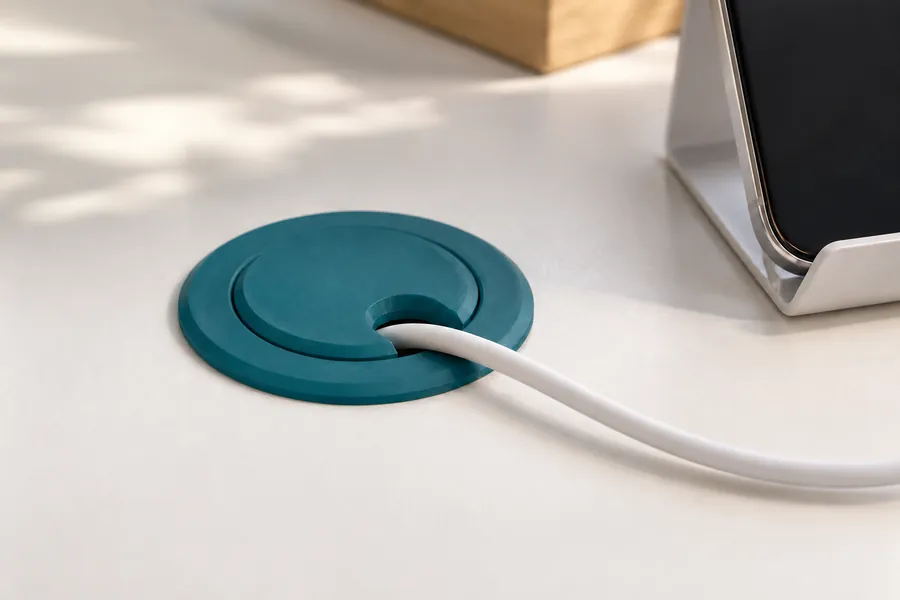
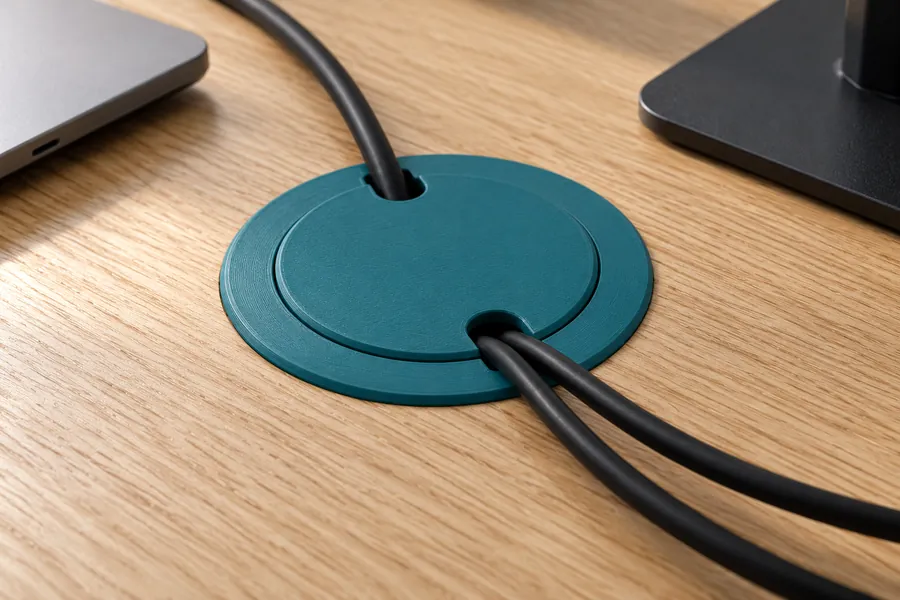
AI-generated example images in a small and a large size, not photos of prints.
How the generator works
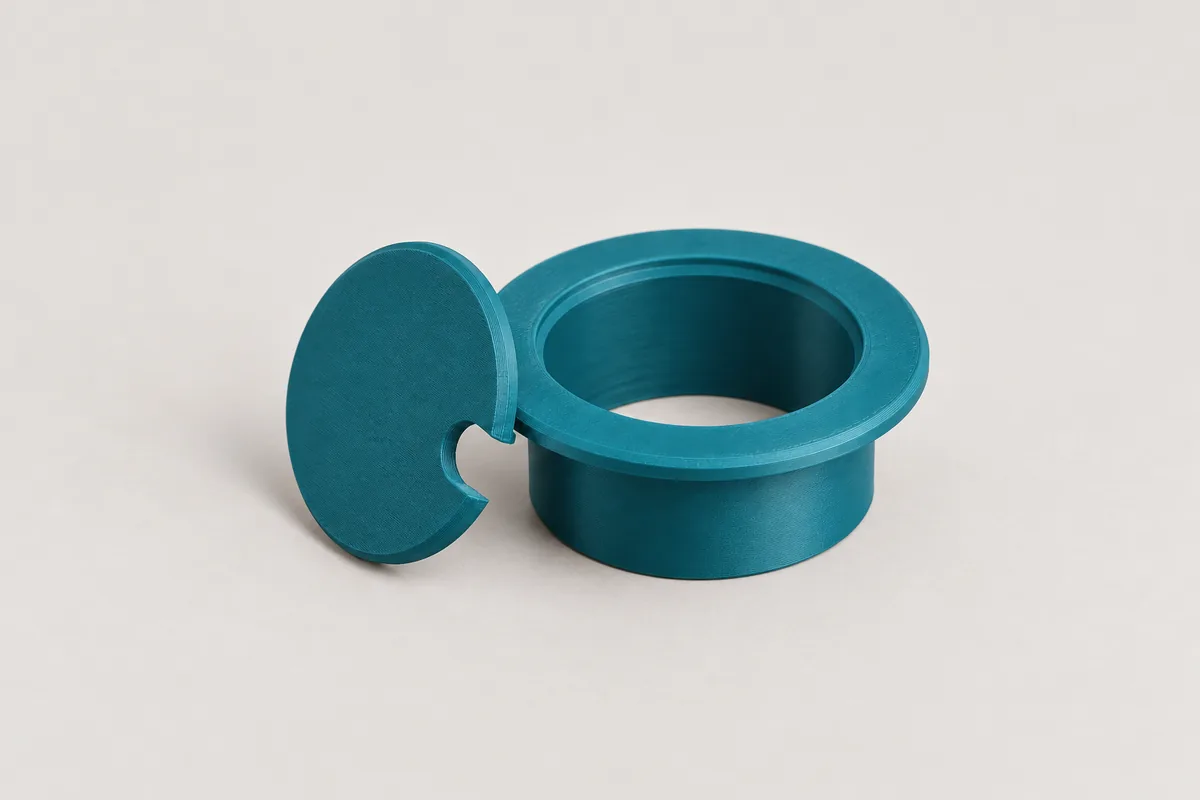
The grommet consists of two parts. The ring sits in the hole in the desk and rests on top with its rim. The lid sits flush in the ring and has one or more slots at its edge for the cables. First choose the diameter of your hole. Common sizes are 35, 50, 60 and 80 mm; with "Custom" you enter any other size. Then enter the thickness of the desk so that the sleeve reaches exactly to the underside.
You set the number and width of the slots in the lid. Choose a width slightly larger than the biggest plug you want to pass through, or lift the lid off briefly to push it through. In "Simple" mode the generator sets the rim, wall thickness and lid to suit the hole. In "Pro" mode you set these dimensions and the clearance yourself. Your input is kept when you switch modes.
Snap tabs below the desk
Without snap tabs, the ring is held by its fit in the hole and by the weight of the cables. If you switch the snap tabs on, the sleeve is slotted four times and gets a small bead at its end. When you push it in, the tabs flex inwards and snap in below the desk. For this the desk thickness has to be right. PETG is a good choice for snap tabs because it flexes without breaking.
How the parts are printed
Both parts sit next to each other in one file. The ring lies with the visible top of its rim on the print bed, and so does the lid with its top. That keeps the visible surfaces smooth. The lid seat in the ring slopes at 45° instead of being flat, so you do not need support material.
Clearance in the hole and at the lid
In "Simple" mode the sleeve is 0.5 mm thinner than the hole so that it goes in without force. Holes drilled in chipboard are often a little inaccurate. Measure the hole with a calliper and choose "Custom" if it differs. The lid has 0.4 mm of clearance in the ring so that it lifts off easily.
No load rating
The generator does not show a load for the grommet. Ring and lid carry no weight apart from the cables. Do not put anything heavy on the lid, because it only rests on a narrow ledge.
Frequently asked questions
The ring does not fit the hole. What can I do?
Measure the hole and enter the measured value with "Custom". If the ring is too loose, reduce the clearance in the hole in "Pro" mode. If it is too tight, increase it in steps of 0.2 mm.
My desk is thicker than 60 mm. Does it still work?
The generator allows desks from 10 to 60 mm. For thicker desks you can enter 60 mm. The sleeve then ends inside the desk, and the ring still holds by its rim and its fit in the hole. Snap tabs do not work in this case.
Which material should I use?
PETG is the default because it is tough and flexes well for the snap tabs. PLA is also fine for ring and lid without snap tabs and is easier to print. For a matching look you can print both parts in the colour of your desk.
Can I save or share my settings?
Yes. All settings are stored in the page address. Use the "Copy link" button and save the link as a bookmark or send it on. Anyone who opens the link sees exactly your grommet.
The generator runs entirely in your browser. Your dimensions are not transmitted. When you download a file or copy the link, the page counts anonymously which generator, mode and material were used.