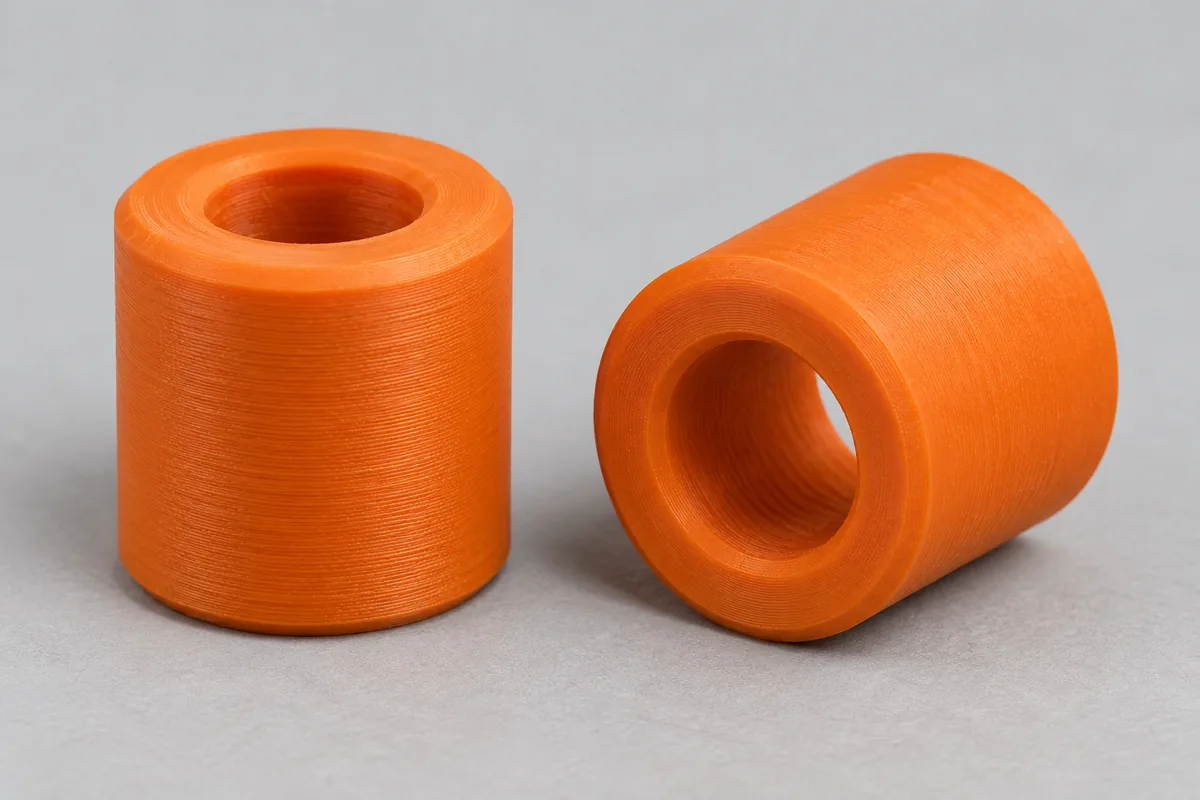
How it looks in use
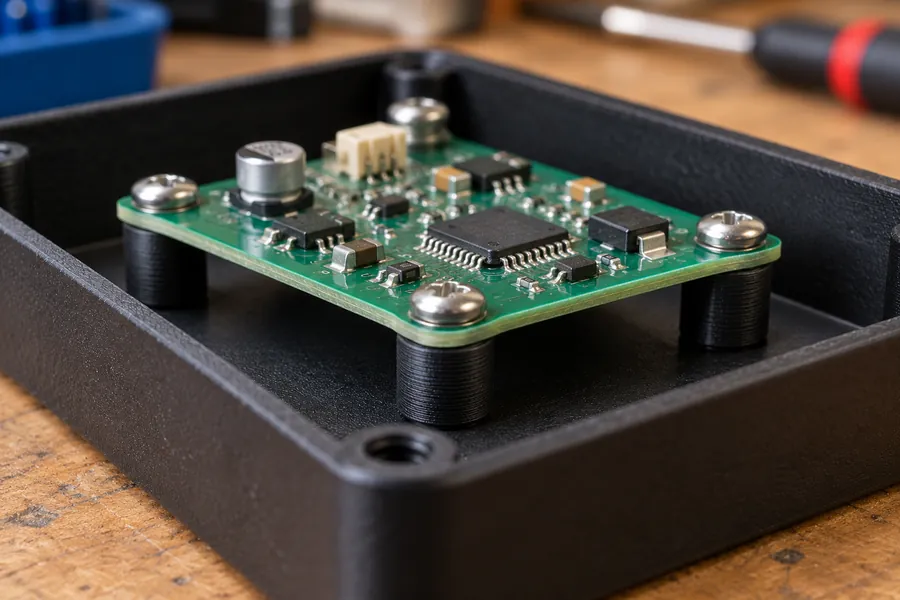
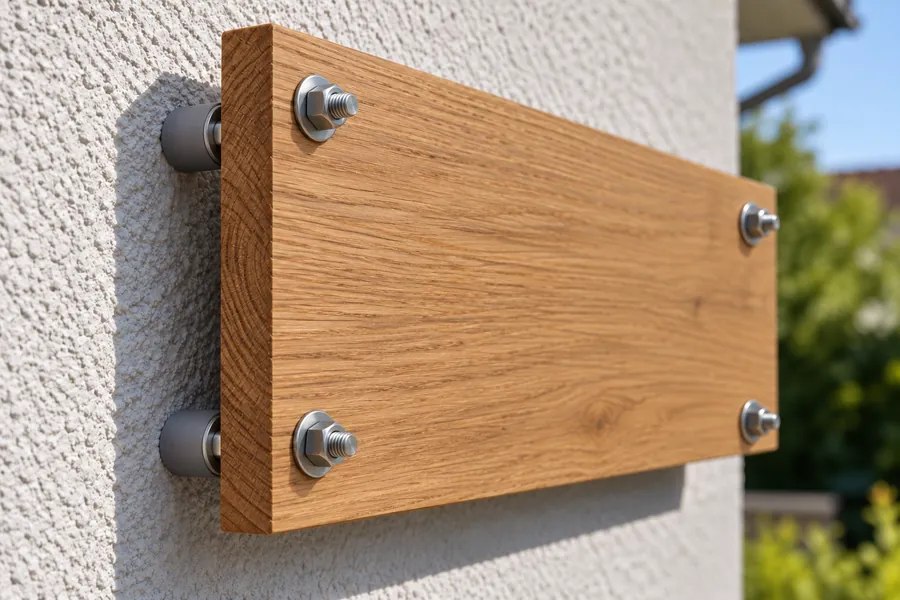
AI-generated example images in a small and a large size, not photos of prints.
How the generator works
A spacer keeps two parts at a fixed distance, for example a circuit board above the bottom of a case or a board in front of a wall. The screw runs through the spacer. A washer is the same part, only flat. First choose the screw the part is meant for, and the generator fills in the matching inner diameter. With "Custom" you set the inner diameter yourself, for example for a shaft or a tube.
If you leave the outer diameter at 0, the part gets the outer diameter of an ISO 7089 washer, which is 10 mm for M5. Then set the height and the quantity. All parts go into one file and sit on the print bed 4 mm apart.
In "Simple" mode the edges have a small chamfer and the part is round. In "Pro" mode you set the chamfer yourself, choose a hexagonal shape with a width across flats and create a set of several heights. Your input is kept when you switch modes.
Set with several heights
If you are not yet sure which height you need, print a set. In "Pro" mode, enter several values under "Heights", separated by semicolons, for example 2; 3; 5; 10. The quantity then applies to each height, so a quantity of 2 gives 8 parts in one file. A file holds at most 40 parts, and they have to fit on a 220 mm print bed.
Round or hexagonal
You can hold a hexagonal spacer with an open-end spanner while tightening, or it sits in a hexagonal recess without turning. The width across flats is the distance between two opposite flats. At 0 it equals the outer diameter. The corners at the top and bottom are chamfered like on a nut.
How the part is printed
The STL file is already oriented for printing: upright, with one end face on the print bed. The hole then runs vertically and there are no overhangs, so you do not need any supports.
The chamfer on the hole does two things. The screw finds its way in more easily, and the first layer, which often spreads a little when printing, does not narrow the hole. If the wall is very thin, "Simple" mode makes the chamfer smaller automatically.
Where the dimensions come from
The inner diameters follow the ISO 273 clearance holes, "medium" series. For M3 to M8 these are 3.4 mm, 4.5 mm, 5.5 mm, 6.6 mm and 9 mm, so the screw has a little play. Unless you enter your own value, the outer diameter matches an ISO 7089 washer: 7 mm for M3, 9 mm for M4, 10 mm for M5, 12 mm for M6 and 16 mm for M8. At least 1.2 mm of wall remains between the hole and the outside.
How strong the spacer is
The generator does not show a load for spacers. The screw compresses the spacer, and how much depends mainly on how tight you turn the screw. There is no honest number for that. Plastic gives way a little over time under constant pressure, especially when it gets warm. Tighten the screw only moderately and do not use printed spacers for safety-critical joints.
Frequently asked questions
The screw does not fit through the spacer. What can I do?
Printed holes often come out a little smaller than in the model. Choose "Custom" and enter an inner diameter 0.2 to 0.3 mm larger. For a single part you can also open up the hole with a matching drill bit.
Which material should I use?
PLA is fine for parts indoors. It is the easiest to print, but according to Prusa it softens from about 55 °C. PETG is tougher and holds up to about 68 °C. Near heat sources or outdoors, ASA or PC Blend is the better choice.
How thin can a washer be?
The generator allows heights from 0.6 mm. At a typical layer height that is only three layers. For a sturdy washer, at least 1 to 1.5 mm is a good idea. On very thin parts the chamfer becomes smaller automatically.
Why does my printed set weigh less than shown?
Because the weight shown is for completely solid parts. It uses the density from the data sheet, 1.24 g/cm³ for PLA. Small spacers consist almost entirely of walls anyway; on large ones the infill saves material.
Can I save or share my settings?
Yes. All settings are stored in the page address. Use the "Copy link" button and save the link as a bookmark or send it on. Anyone who opens the link sees exactly your part.
The generator runs entirely in your browser. Your dimensions are not transmitted. When you download a file or copy the link, the page counts anonymously which generator, mode and material were used.