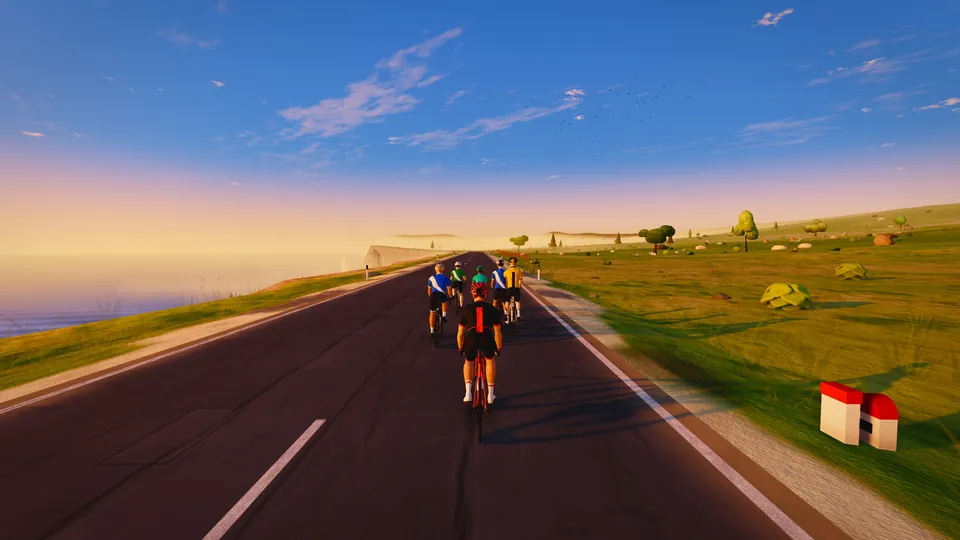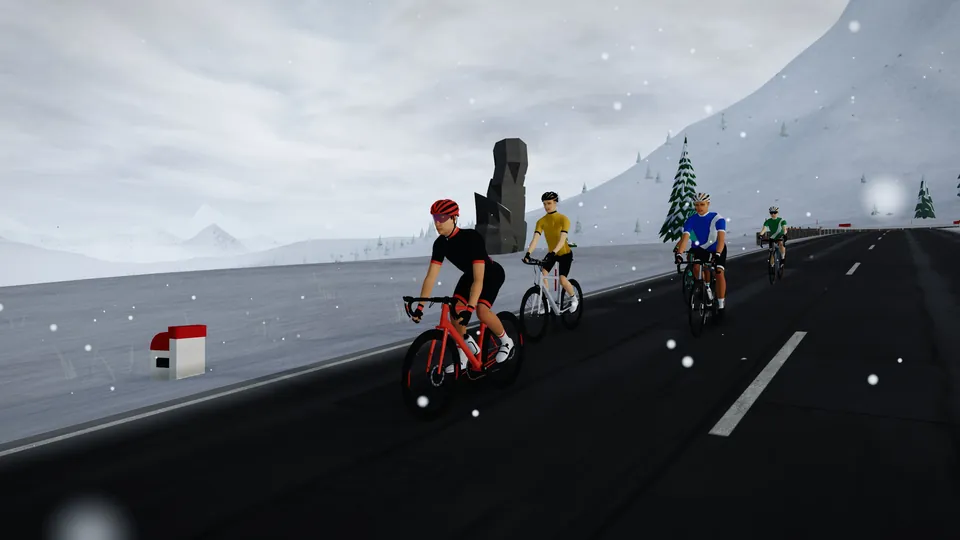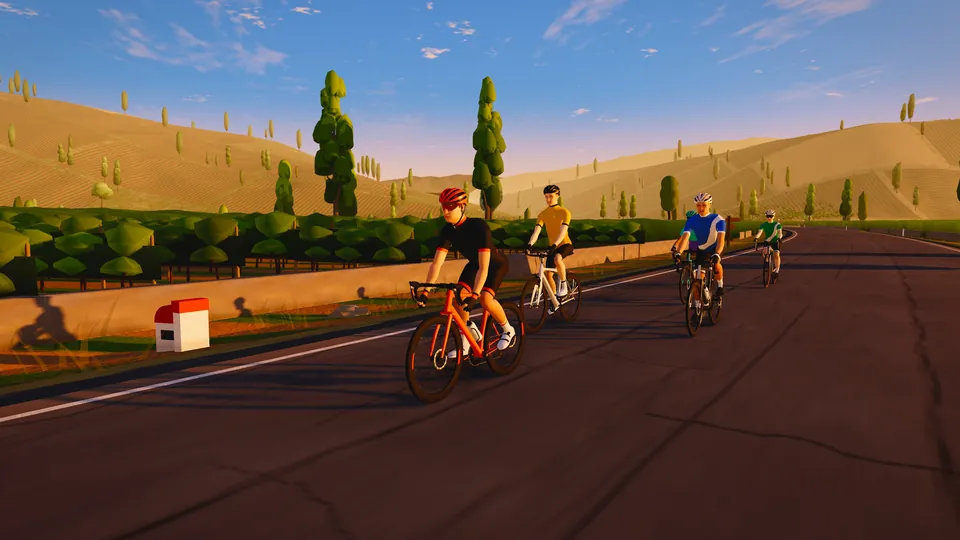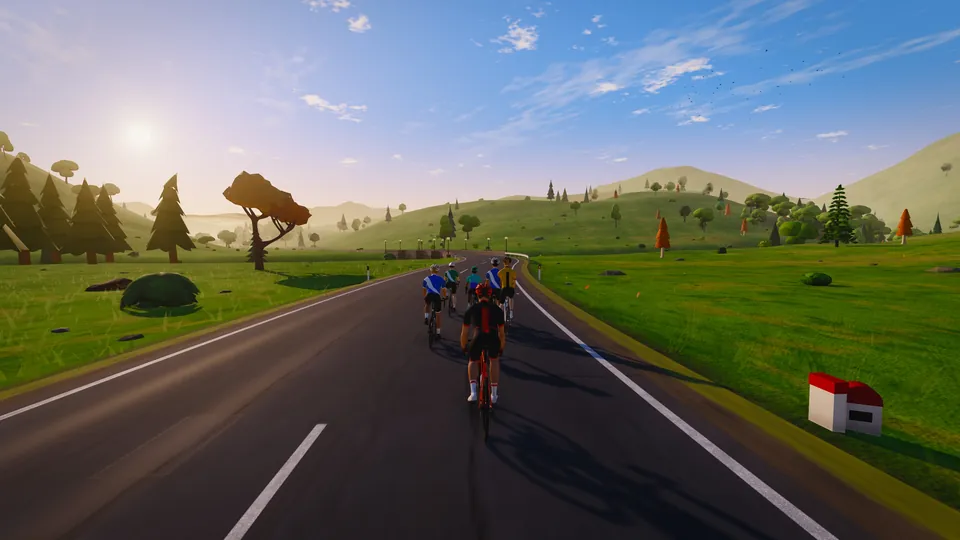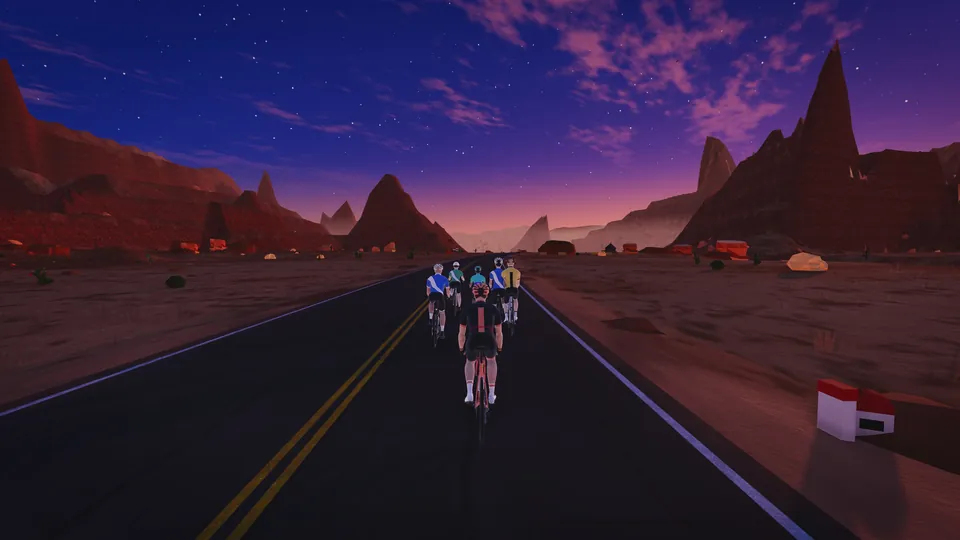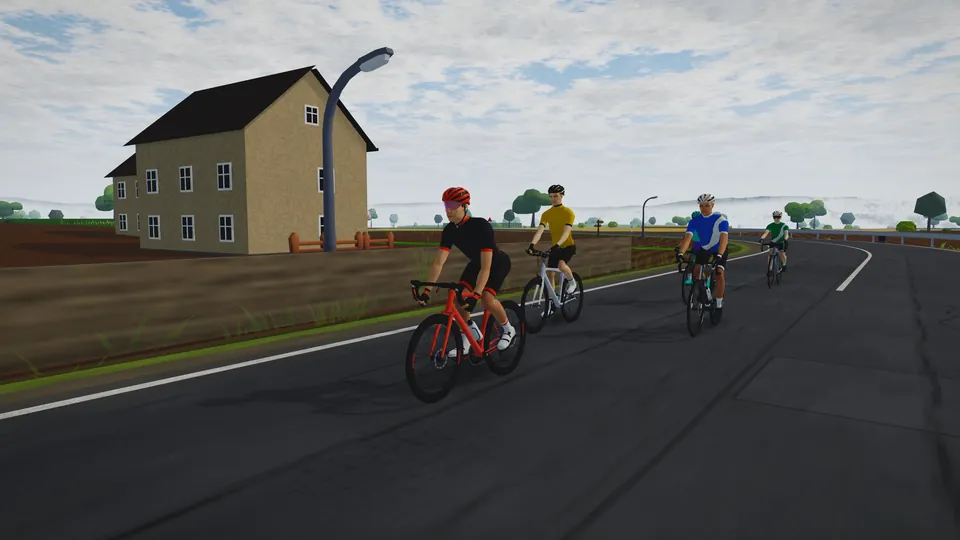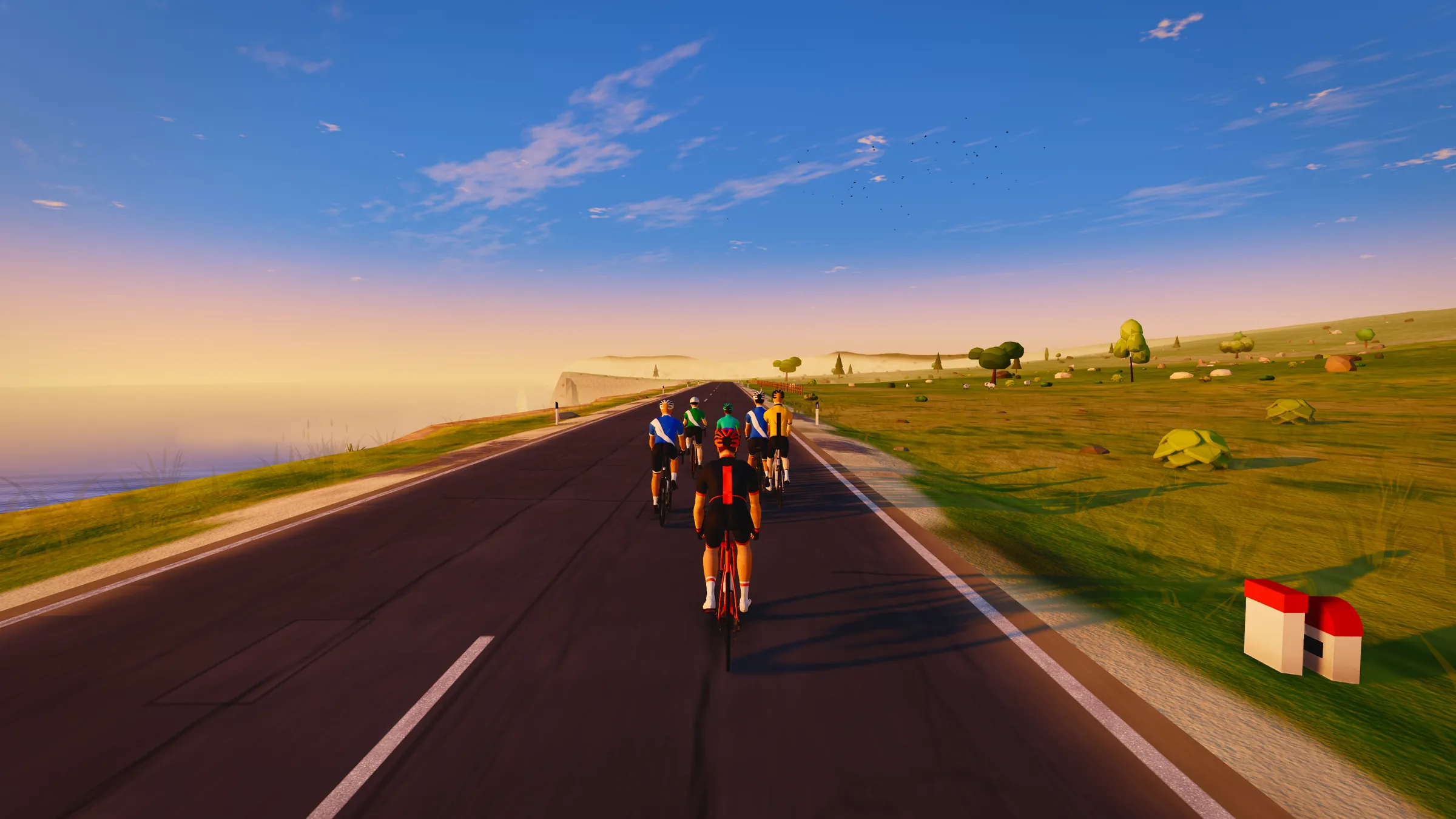

In-app image: A group of riders on the Cliff Coast road in the evening sun.
Rideloom app icon Live at rideloom.de
Indoor cycling

Your indoor trainer. A whole world.

Rideloom connects your smart indoor trainer to a 3D ride world. You feel the climbs in your legs, and a controller on the handlebar shifts and steers. On top come structured training, mini games and rides with friends.

  • In your browser and for Windows
  • No ads
  • One account for all devices
Ride world

Nine routes you feel in your legs

The ride world is a 3D landscape of its own with villages, lakes, forests and passes. Uphill the trainer gets harder, downhill easier again.

Ride a route in your browser

Straight from the app

A ride through every world

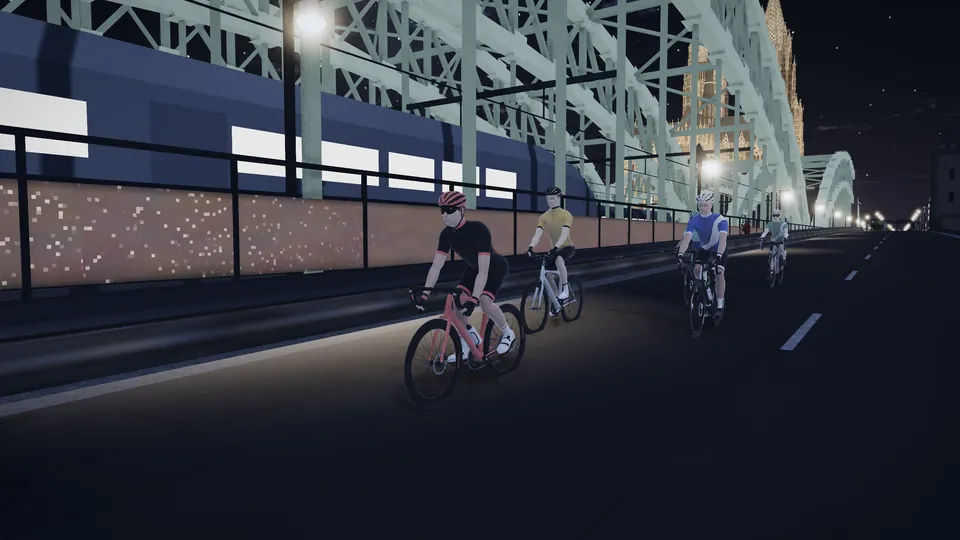
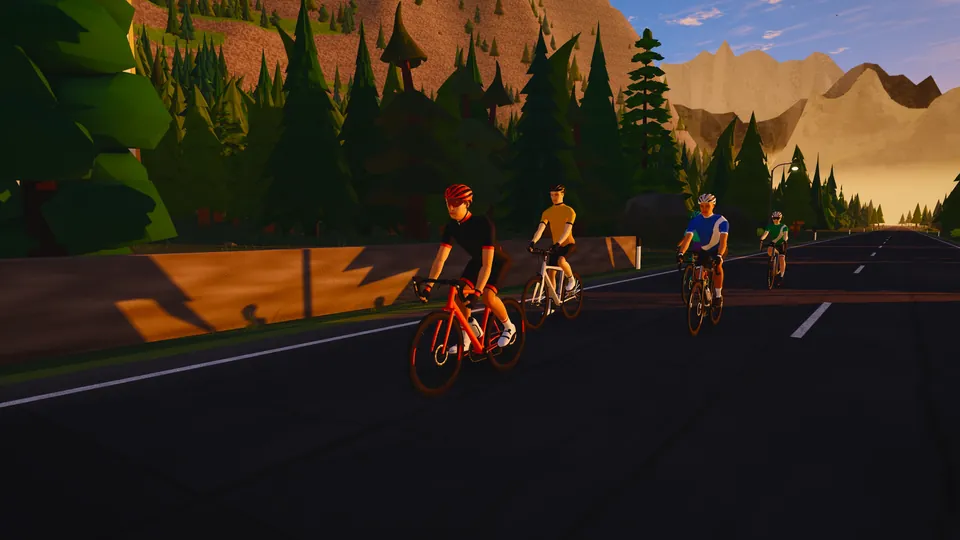
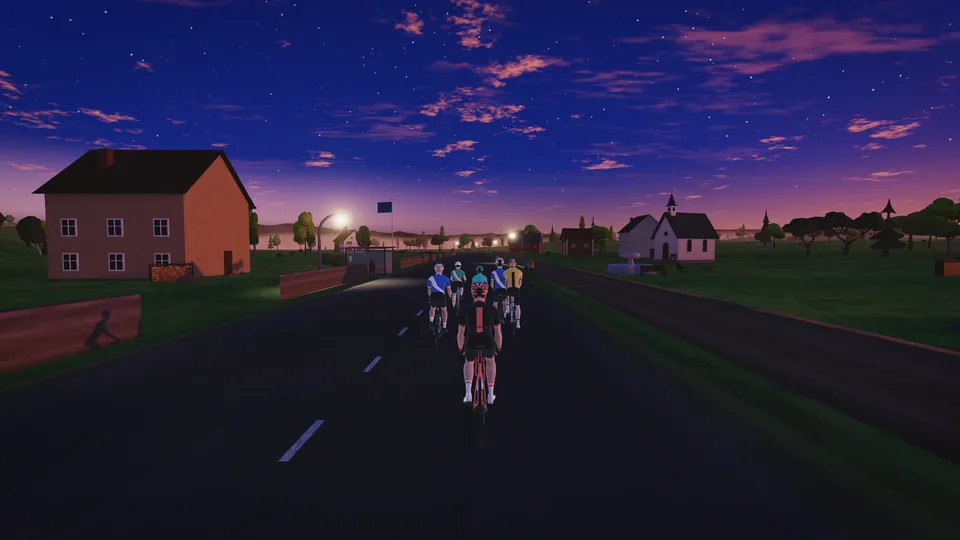
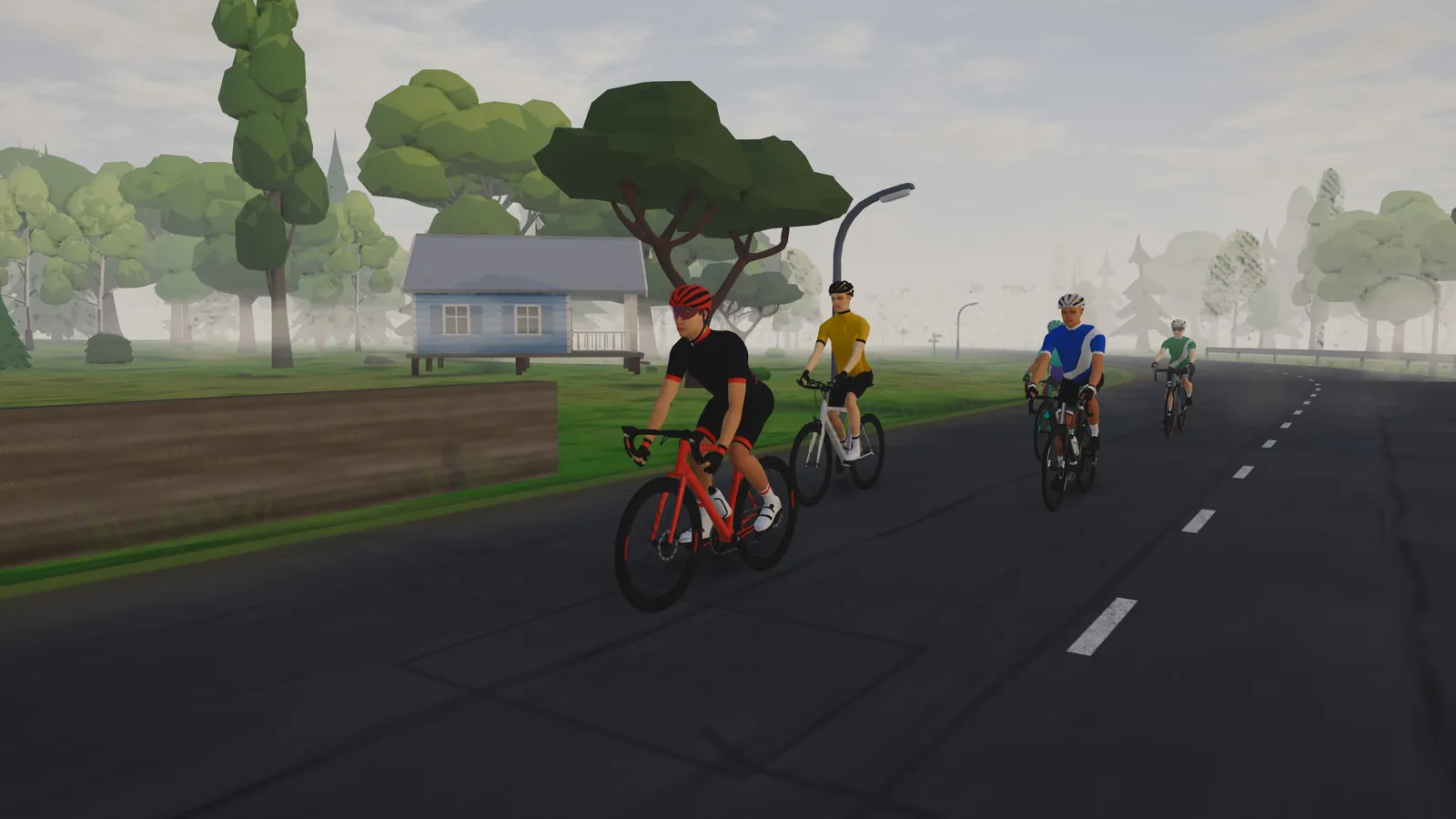
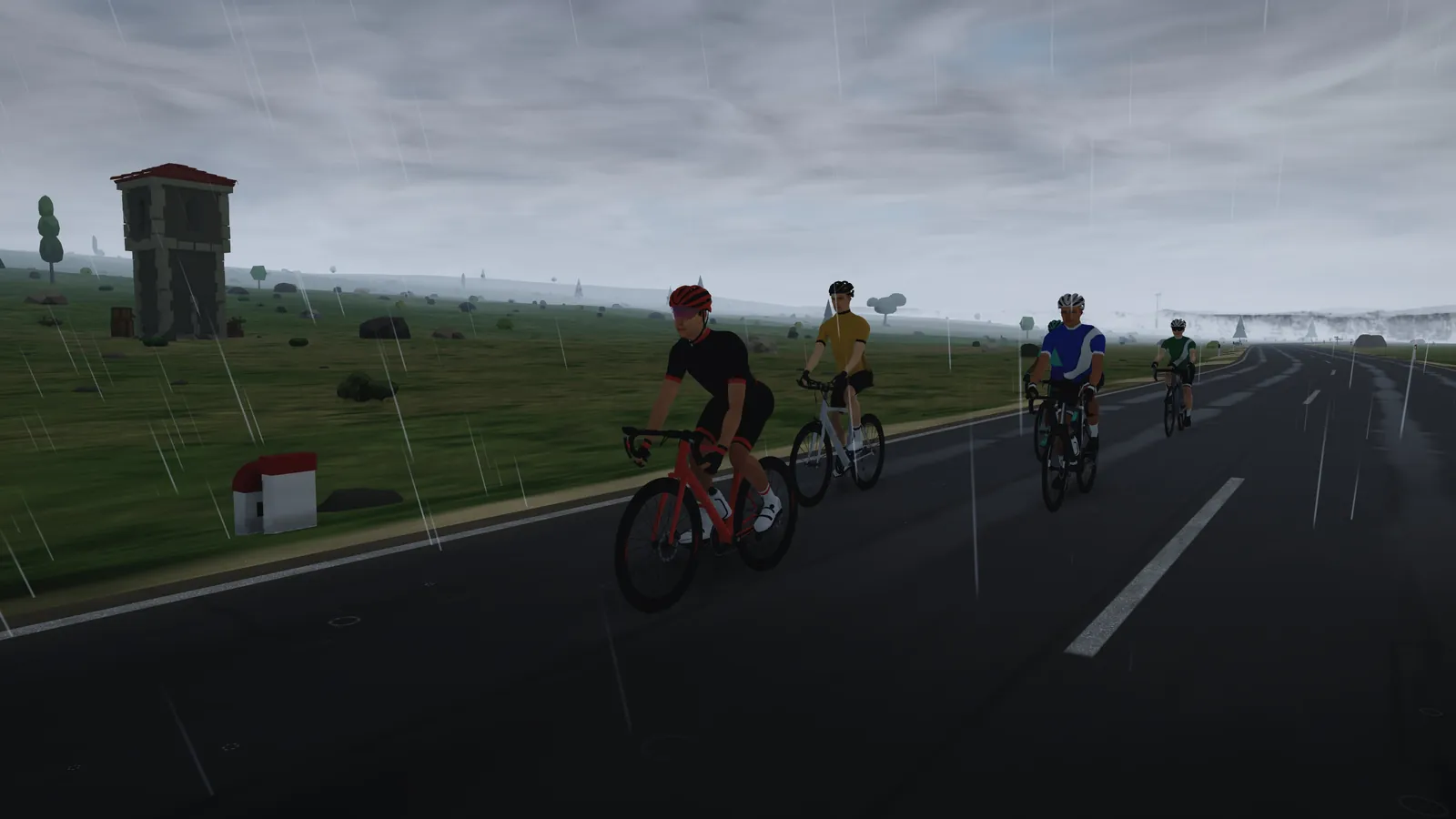
Coast, alpine pass, misty lake, snow, canyon and Cologne at night. Every frame comes straight from the app, without editing.

In-app image: Group of riders in the morning mist on the Mirror Lakes Loop.
Morning mist on the Mirror Lakes
In-app image: Group of riders in the rain on the Cliff Coast.
Rain on the Cliff Coast

Choose the time of day and the weather yourself, or let them change.

Training

Structured training with review

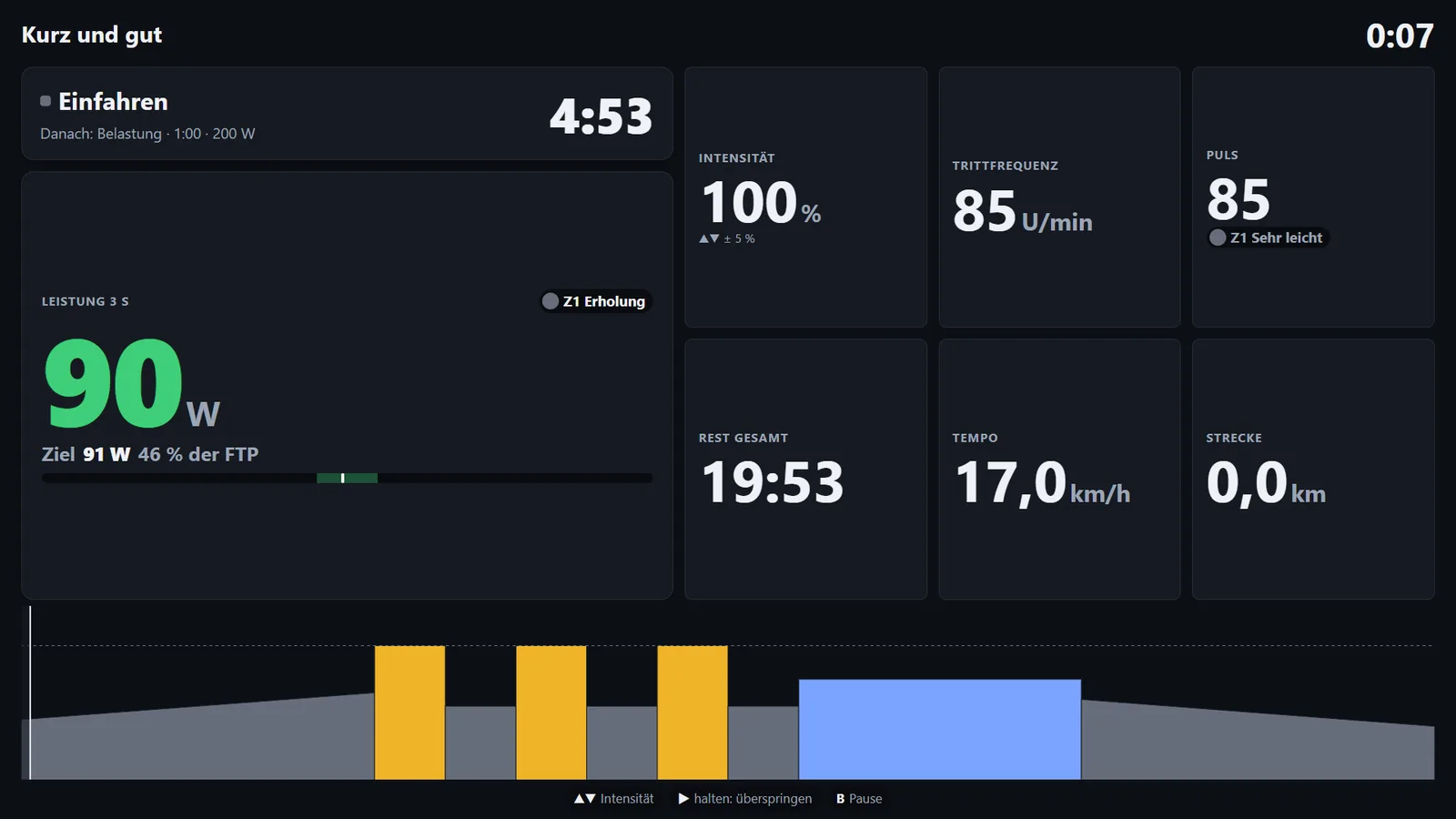
If you want to train with a goal, Rideloom sets the power and controls the trainer itself. After every ride you see what you have achieved.

  • Ready-made workouts for endurance, tempo and intervals, plus free riding at a fixed wattage.
  • A ramp test or a 20-minute test determines your FTP, which sets your training zones.
  • During the ride, a live chart shows your heart rate and power over the last few minutes.
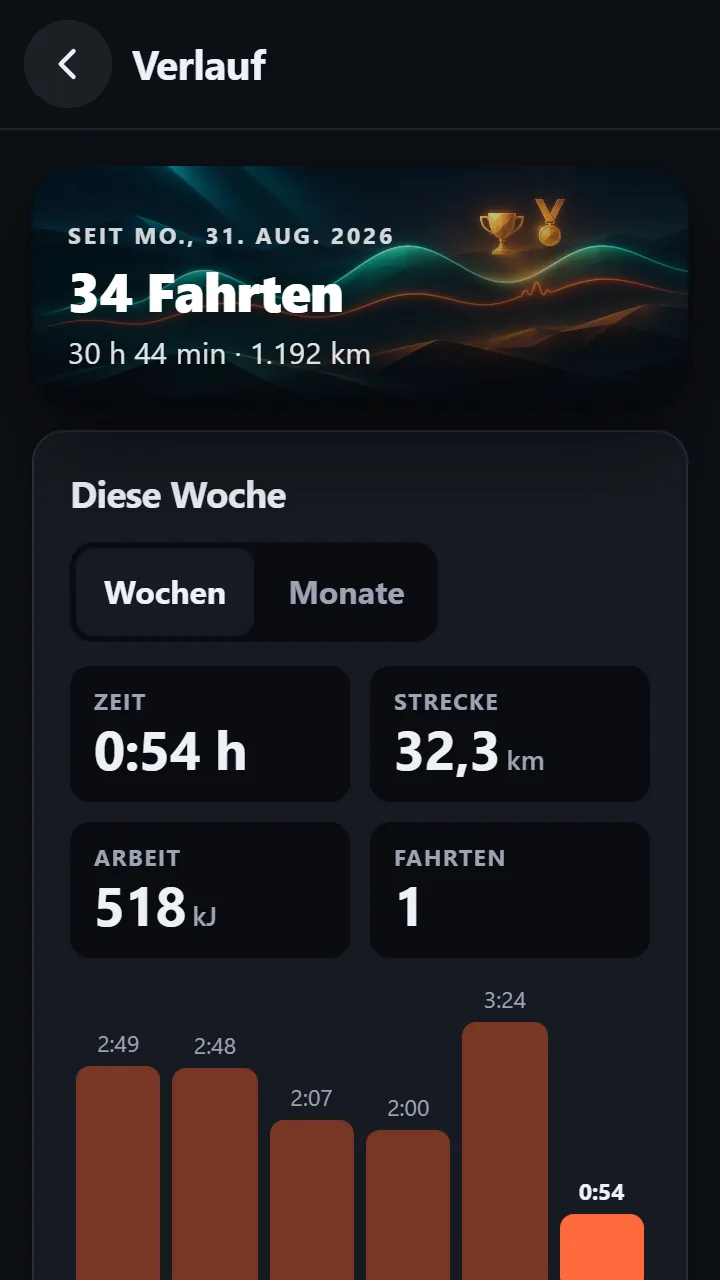
  • The history shows weekly and monthly totals, personal bests and the time spent in each zone.
  • Rides can be saved as a file or uploaded to Strava automatically.
In-app image: Workout view with intervals, power, cadence and heart rate.
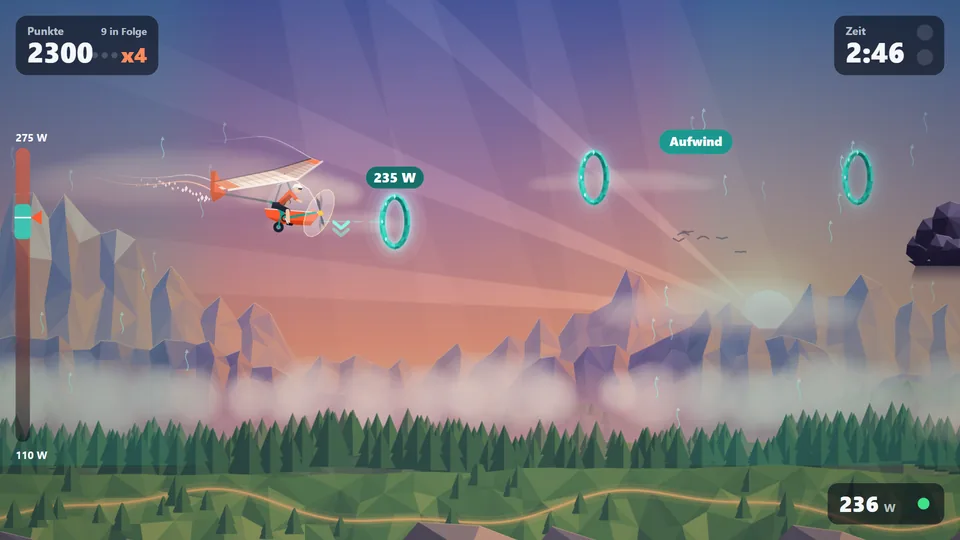
Mini games

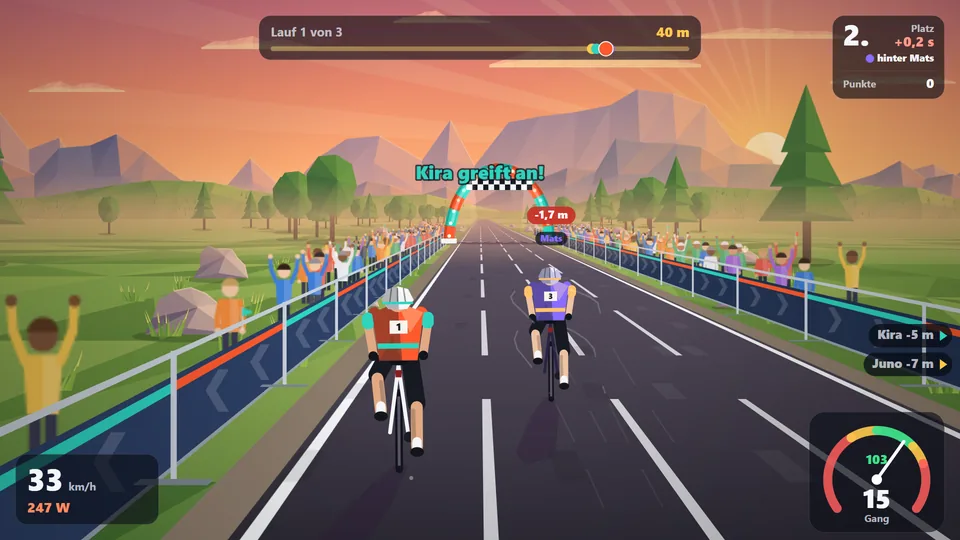
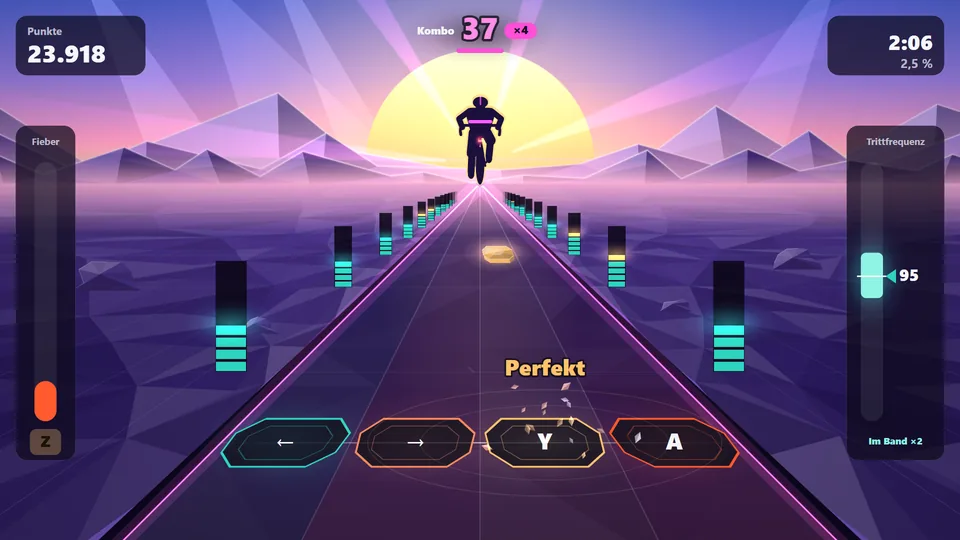
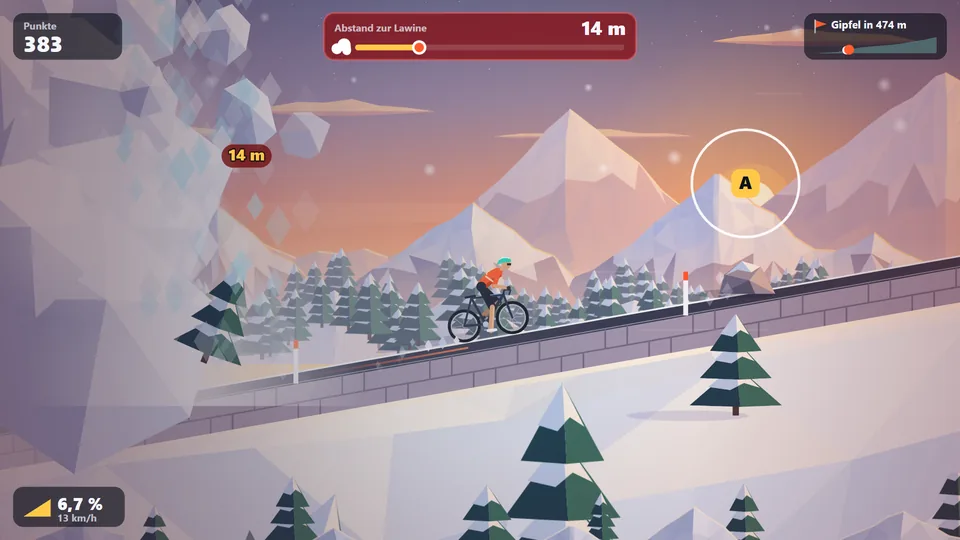
Four games, controlled with your legs

How fast and how hard you pedal decides the game. Ideal for a short session in between.

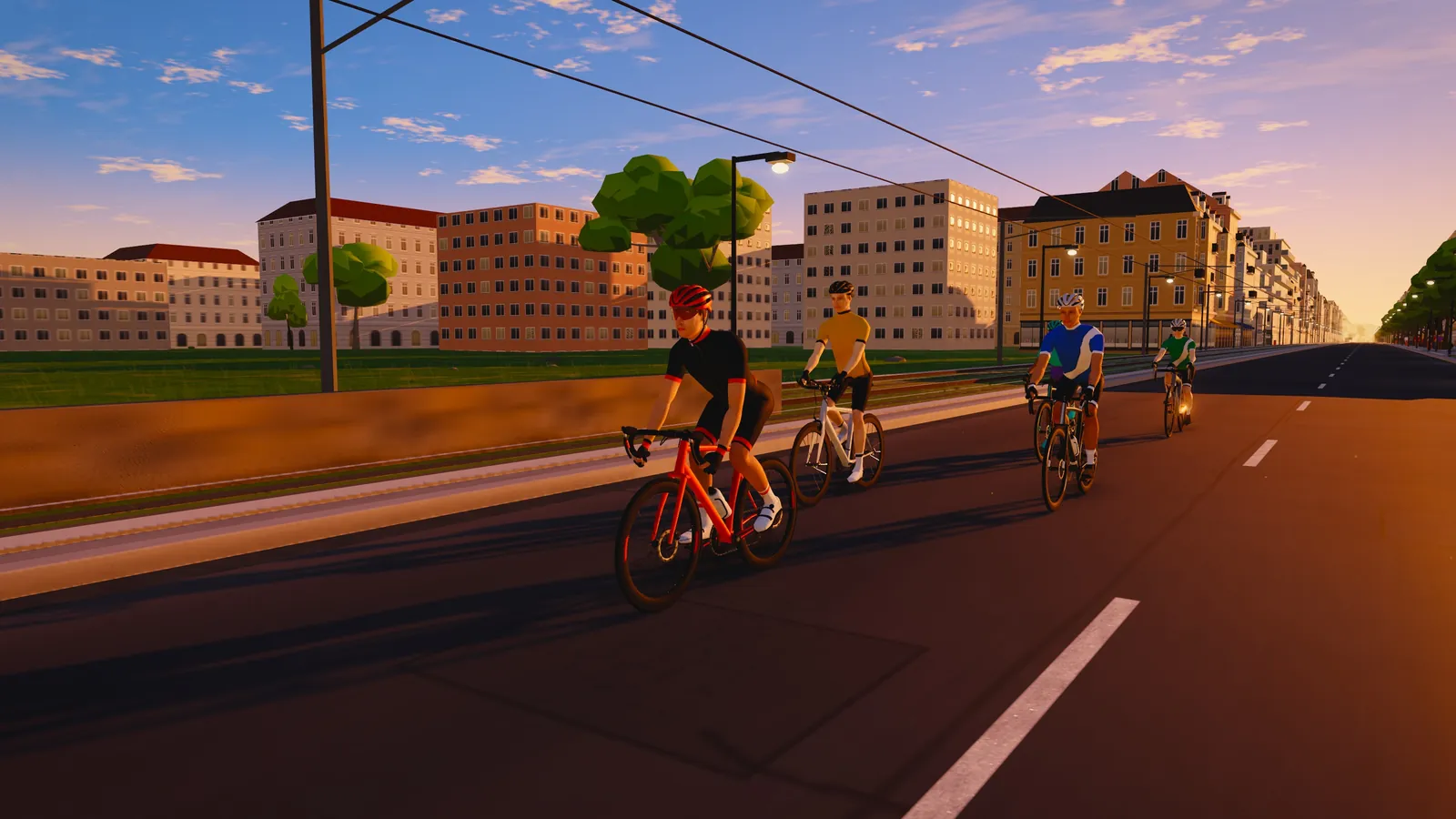
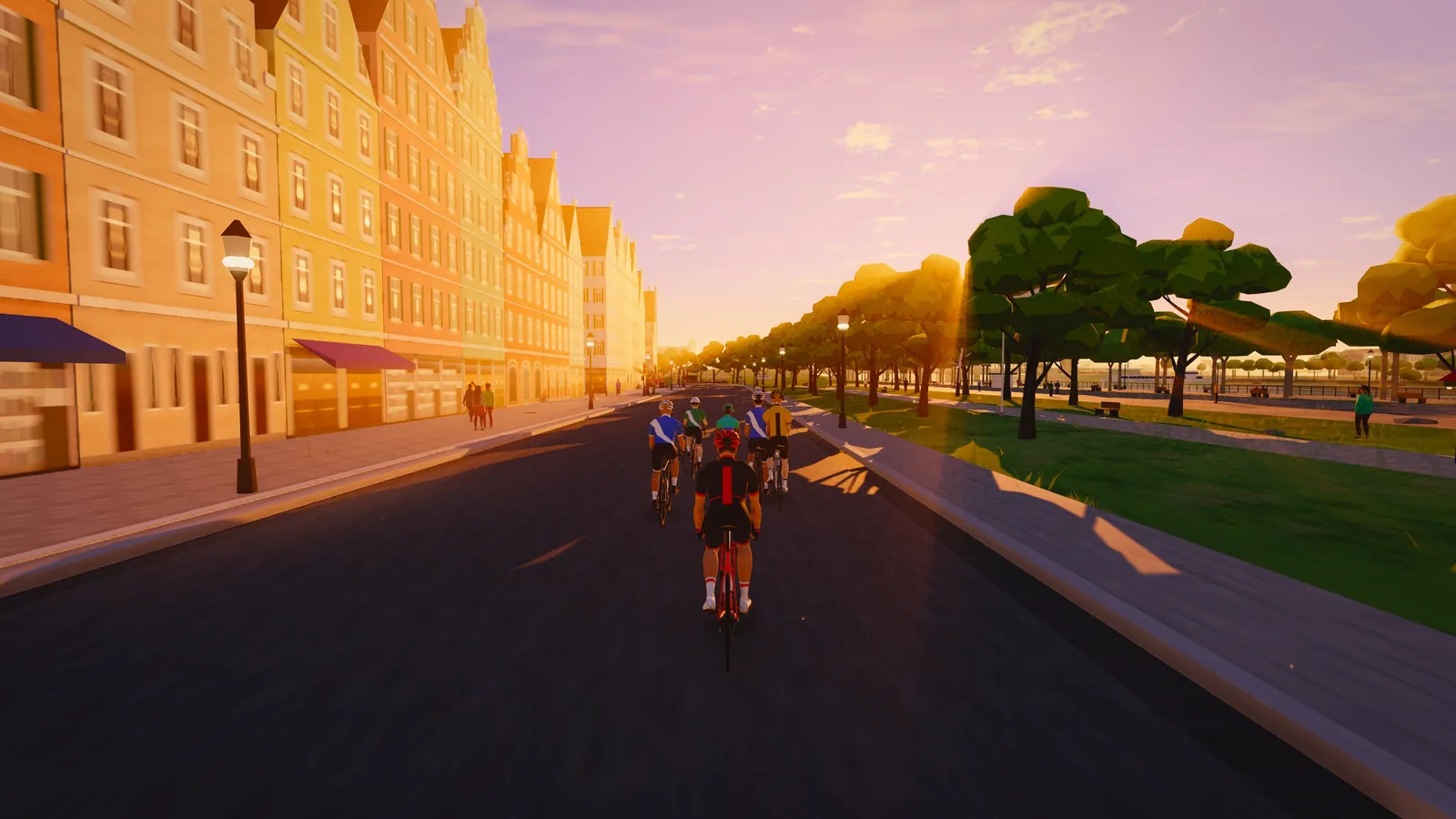
In-app image: A group of riders in the evening in Cologne by the Rhine.
Together

Ride together, even when everyone is at home

On every route you see the other riders who are out there right now. With friends you arrange a fixed time.

  • You plan group rides with route, start time and pace and invite friends by code or link.
  • Everyone gathers in the waiting area and starts together. At the finish there is a results list.
  • Events take place at fixed times, for example an evening race or a relaxed after-work ride.
  • Riding with others can be turned off in the settings.
Progress

Your progress rides along on every device

With your Rideloom account you carry on where you left off, on your computer, tablet or phone.

  • Best times at sprint and climb segments, points and badges are synchronised with your account.
  • Points unlock new gear for your rider.
  • You choose the look of your rider and the bike type.
  • Weight, FTP and shifting apply on every device without setting them up again.
  • The recordings of your rides stay on your device.
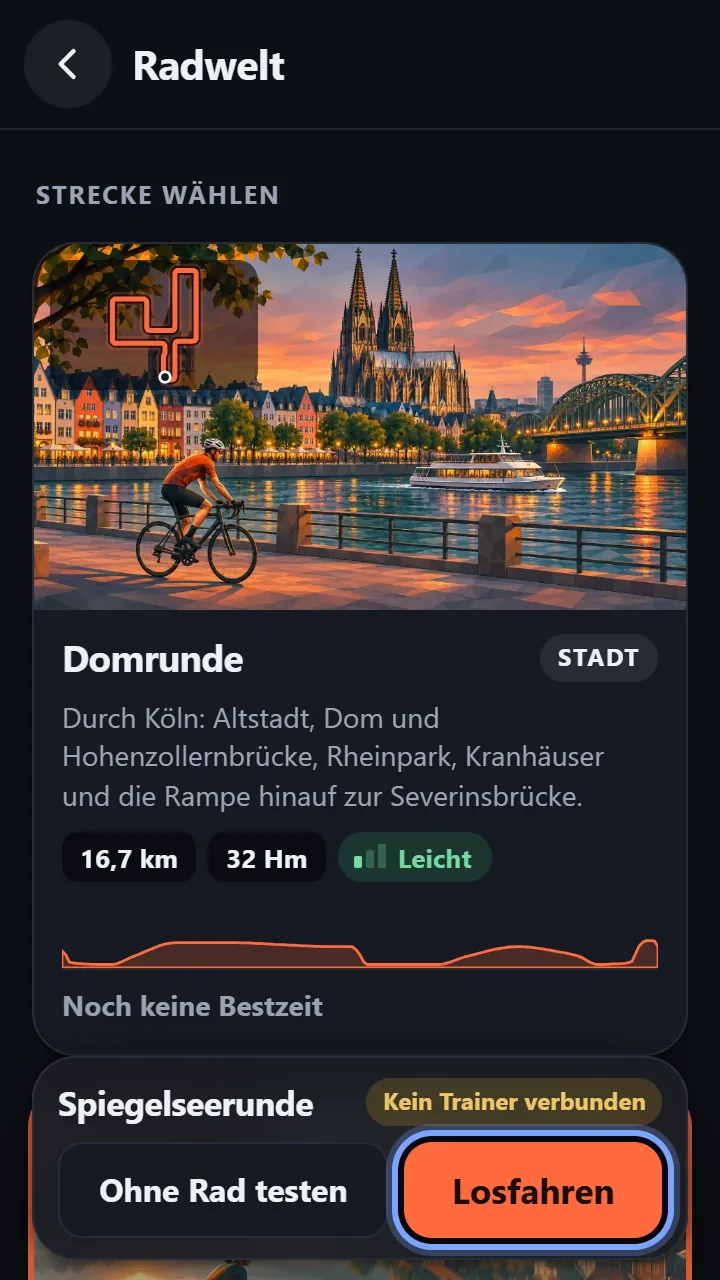
In-app image: Route selection showing the Cathedral Loop.
In-app image: History with weekly overview.
Illustration: a female rider with helmet and sports glasses in a Rideloom jersey.
Illustration: a male rider with helmet and sports glasses in a Rideloom jersey.
Devices

What you need to ride

Rideloom works with smart indoor trainers that support the Bluetooth standard for fitness machines (FTMS). Most current models do.

  • The trainer provides power, cadence and speed and receives the matching resistance from the app.
  • A Bluetooth heart rate strap is optional and shows your heart rate during the ride.
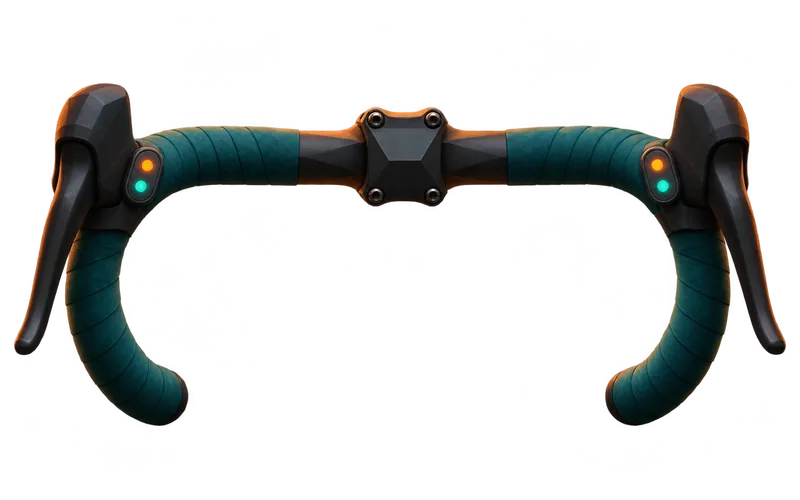
  • With Bluetooth controllers on the handlebar you shift through 24 virtual gears, steer and use the menus.
  • Limits for power and gradient protect against too much resistance.
  • Without a trainer you can try Rideloom with a built-in simulator.
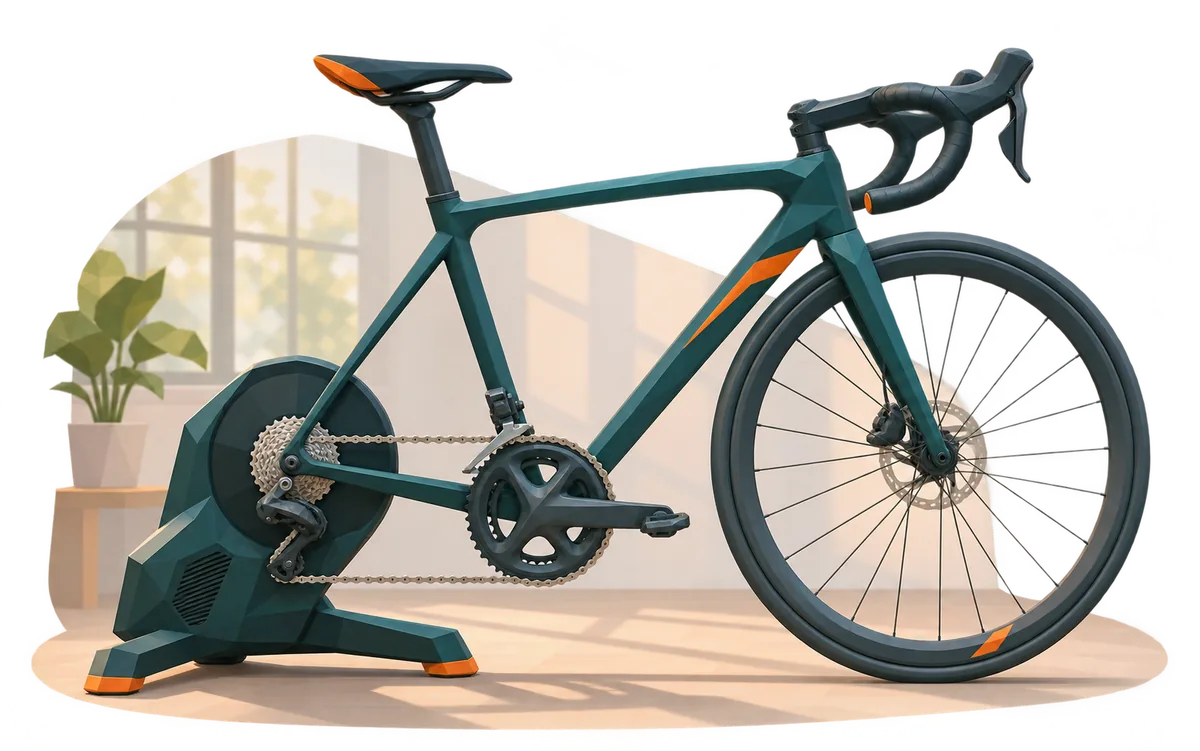
Illustration: a road bike on a smart indoor trainer in a bright room.
Illustration: road bike handlebars with two glowing control buttons.
Get started

Choose your way onto the bike

Create an account at rideloom.de, connect your trainer and start riding. Your progress applies everywhere.

In the browser

Ready to go instantly, without installation. Bluetooth works in Chrome and Edge on the computer and in Chrome on Android.

Start riding

Windows app

For the computer next to your trainer. On laptops with two graphics chips, the app automatically uses the more powerful one.

Download for Windows

On first launch, Windows asks once whether you want to run the app.

Android

For phone and tablet, also for casting to the TV.

Coming soon to Google Play
rideloom.de

Ready for your first lap?

Create an account, connect your trainer, start riding. No ads and no installation.

Good to know

Rideloom is new and is being extended all the time.

No ads, no tracking

The app shows no ads and contains no analytics or advertising components.

Your rides stay with you

The app stores the recordings of your rides on your device. Your account only holds progress and settings.

English and German

The app is available in English and German, light and dark.

Compatible with Strava

If you connect Rideloom to your Strava account in the settings, the app can upload your rides automatically. Without a connection nothing is sent to Strava. You can disconnect at any time.

Which browsers work

The Bluetooth connection to the trainer is available in Chrome, Edge and Opera on Windows, Mac, Android and Linux. Safari and Firefox do not support Bluetooth in the browser. The ride world and riding together work in all current browsers, but then only with the simulator.

Graphics on laptops with two graphics chips

In the browser, Windows often renders the ride world on the power-saving graphics chip. Rideloom detects this and shows you step by step how to switch your browser to the more powerful chip. The Windows app uses the more powerful chip by itself.

Your data

The recordings of your rides with heart rate and readings stay on your device. Your Rideloom account holds your progress and settings so they are the same on all devices. You can delete the account at any time in the app or at rideloom.de/konto/loeschen and read more in the app’s privacy policy.

Credits

The 3D models, skies and textures mostly come from free collections under the CC0 licence, among them Quaternius, Kenney and Poly Haven. Some models are under CC BY. The full list with all names is in the app under Settings, Credits.

Contact

If you have a question about Rideloom or an idea for the app, feel free to get in touch using this form.

Arithmetic check Arithmetic task, shown as an image

Your details are processed in order to answer your enquiry. More in the privacy policy.

No Google captcha, no cookies, no disclosure to third parties. Alternatively by e-mail to info@timobritz.de.